
How to Automate Quotes and Orders for a Wholesale Business
Learn how to automate wholesale quotes and orders, reduce manual data entry, manage pricing, and speed up customer responses without replacing your software.
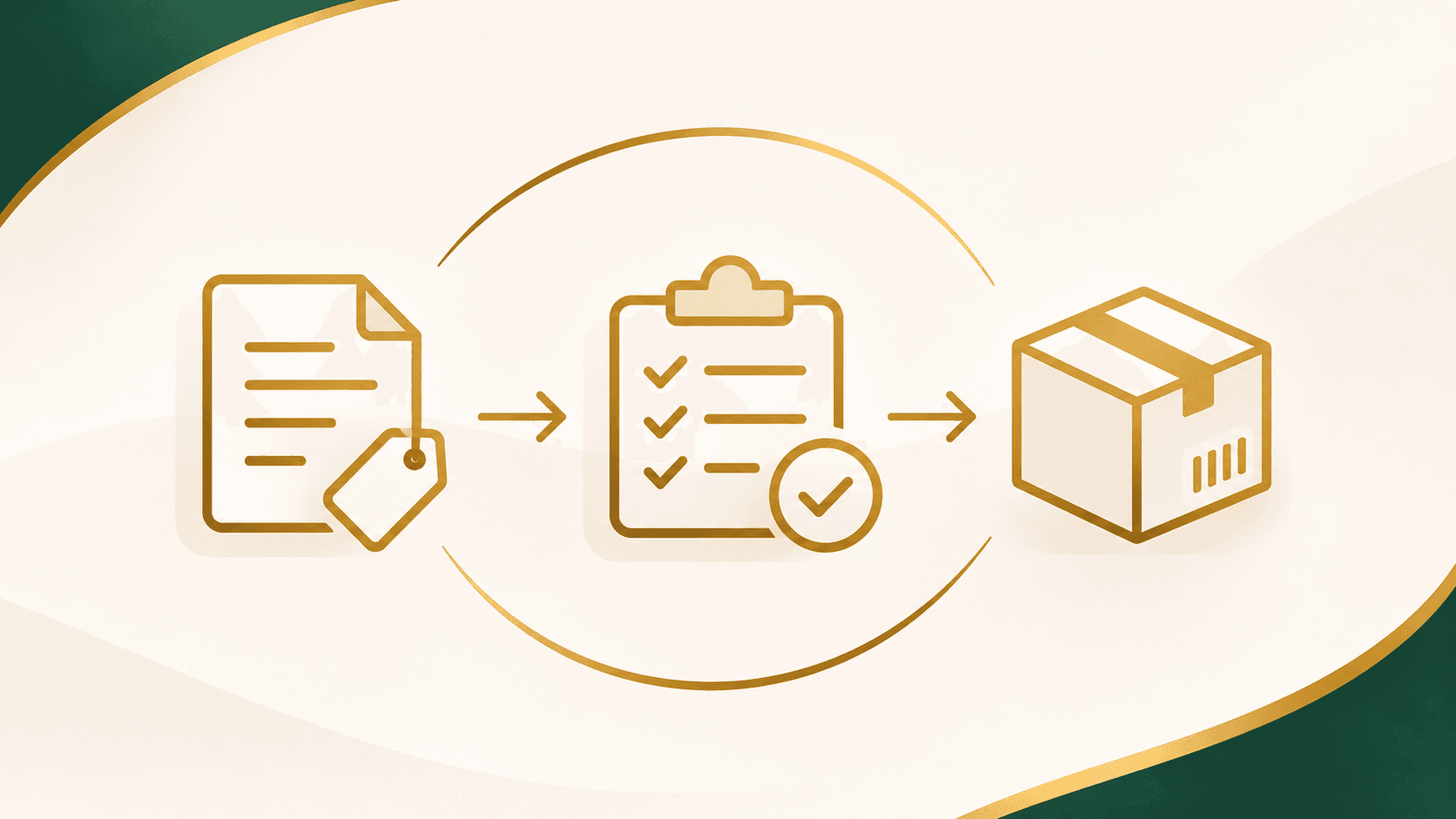
If you run a wholesale or distribution business, you've probably dealt with this more times than you can count.
A customer emails asking for pricing. Someone checks the product list, looks up their account pricing, confirms availability, and puts together a quote. The customer approves it, and now someone has to enter the same information into the ordering or accounting system.
For one order, that might not seem like much work.
But what happens when you're handling dozens of requests every week?
The issue isn't necessarily your employees or the software you're using. It's the repeated steps between receiving a request, preparing a quote, and processing an order.
The good news is that many of these steps can be automated without replacing the systems your business already relies on.
Let's look at how wholesale quoting and order automation actually work, where to start, and what makes sense for businesses that sell in bulk.
Why Wholesale Quoting Takes So Much Time
Wholesale orders aren't always as simple as selecting a product and clicking "Buy Now."
Your customers might have different pricing agreements, minimum order quantities, delivery requirements, or product specifications.
For example, imagine a packaging distributor that sells cups and containers to restaurants.
One customer needs 10 cases of standard cups. Another wants 5,000 custom-printed cups with their logo. A third customer places the same order every two weeks.
Those are three different situations, even though they're buying similar products.
Your team may need to check product availability, minimum order quantities (MOQs), customer-specific pricing, and customization requirements. Shipping costs, delivery locations, payment terms, and order history can also affect the final quote.
All of these details matter. The problem is when employees have to collect, check, and re-enter the same information for every order.
Automation doesn't mean removing these business rules. It means making sure your systems understand and follow them.
Step 1: Make It Easier for Customers to Request a Quote
Start with how customers contact your business.
Do they email a salesperson? Call the office? Fill out a general contact form? Send a purchase order?
You don't necessarily need to eliminate any of these options. Instead, look at how much information is missing when a request arrives.
If your team constantly needs to call customers back to ask about quantities, specifications, or delivery details, improving the request process is a good first step.
What an automated quote request can look like
A customer visits your website and selects "Request a Quote."
Instead of a blank message box, they can provide:
Product: What they're interested in ordering.
Quantity: How many cases or units they need.
Order type: Whether it's a standard or customized order.
Delivery details: Their delivery location and requested date.
Additional requirements: Any special instructions or specifications.
The system can automatically check that the required information is included before submitting the request.
Once submitted, the customer receives a confirmation, and your sales team gets an organized request with a reference number.
There's no need to copy everything from an email into a spreadsheet just to get started.
We cover this part in more detail in our guide to building a better RFQ (Request for Quote) process.
Step 2: Automate Pricing Without Losing Control
This is where things become particularly useful for wholesale businesses.
Many companies maintain pricing in spreadsheets, accounting software, or internal systems. Some also have special rates negotiated with individual customers.
When someone requests a quote, an employee has to find the right price and apply the correct rules.
A quoting system can handle much of that work automatically.
Here's a simple example
Imagine a supplier offering three pricing tiers:
1–9 cases: $40 per unit
10–24 cases: $37 per unit
25+ cases: $34 per unit
Illustrative pricing only.
Instead of calculating each quote manually, the system identifies the correct price based on the order quantity.
Now imagine adding customer-specific discounts, minimum order requirements, and different product options.
The same principle applies, but the system needs to be designed around the way your business actually prices products.
What about custom orders?
Not every quote should be automatically approved.
If a customer requests custom manufacturing, specialized packaging, or unusual delivery conditions, your team may still need to review the cost.
A practical system can prepare the quote using known pricing rules, flag anything unusual, and send it to an employee for approval.
This is an important distinction: automating the preparation of a quote is not the same as automatically committing your business to a price.
For complex orders, keeping a person involved is often the better approach.
Step 3: Connect Approved Quotes to Your Ordering System
Let's say your customer approves the quote.
What happens next?
In many businesses, someone has to open QuickBooks, an ERP, or another ordering platform and enter the customer's information, products, quantities, and pricing again.
That's an opportunity for automation.
With the right integration, an approved quote can move into the next stage of your existing system.
For example:
Customer approves quote → Order is reviewed or created → Inventory is checked → Sales team receives an update → Customer receives confirmation.
The exact steps depend on how your business handles orders and payments.
The important part is eliminating unnecessary re-entry.
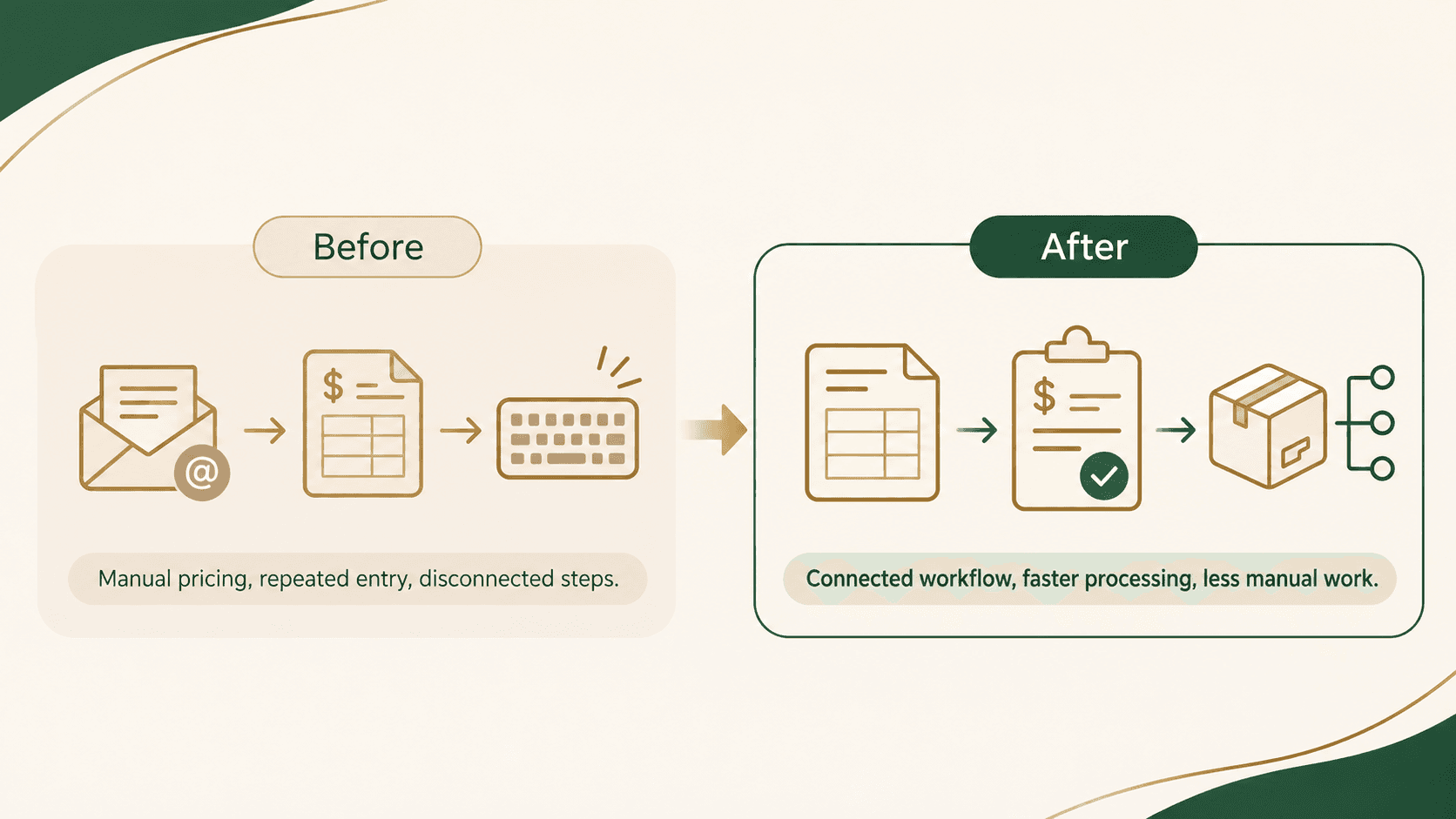
If you're already using QuickBooks Enterprise, an ERP, or another business management system, the goal should usually be to connect it rather than replace it.
Compatibility matters, though. Some systems offer direct integrations, while others require a supported connector, file exchange, or custom development. It's worth checking those limitations before purchasing anything.
At AliNQuality, this is the type of work we handle through our workflow automation and integration services.
Step 4: Let Customers Track and Repeat Their Orders
Not every wholesale customer needs a full online store.
Sometimes, what they really need is a convenient way to reorder products they purchase regularly.
Think about a restaurant that orders packaging supplies every month.
Instead of calling their supplier and repeating the same order, imagine they could log into their account, view a previous purchase, and select Reorder. They could adjust the quantities, submit the new request or order, and check its status without starting from scratch.
The supplier receives an organized order, while the customer spends less time repeating information.
This is one reason a B2B customer portal can be more useful than a traditional e-commerce website.
It can accommodate negotiated pricing, order minimums, account permissions, and repeat purchasing.
For businesses with more complicated ordering requirements, AliNQuality's B2B Operations solutions include buyer portals, quoting workflows, order tracking, and connections to existing business systems.
Step 5: Automate the Follow-Up, Too
Getting a quote out is only part of the process.
What happens when a customer doesn't respond?
Does someone remember to follow up? Is there a spreadsheet tracking pending quotes? Does the salesperson have to search through their inbox to see which requests are still open?
A simple follow-up workflow can make this easier.
For example, a system could notify your sales team when a quote request arrives and remind an employee when a quote is waiting for approval.
It could also send an agreed-upon follow-up for an unanswered quote, mark approved quotes as ready for processing, and update customers when order statuses change.
Not every notification should be automatic or sent to the customer. Some are better kept internal, particularly when a salesperson is managing a sensitive account.
The goal is to prevent requests from being forgotten without overwhelming customers with messages.
Do You Need AI to Automate Wholesale Quotes?
Not necessarily.
There's a lot of attention around AI automation, but many wholesale processes are better handled through straightforward software rules.
If a customer orders 20 cases and your system already knows the price for 20 cases, you don't need AI to calculate it.
You need reliable pricing logic.
AI becomes more interesting when the information arriving is unstructured.
For example, a customer might email:
"Hey, can you get us another pallet of the cups we ordered last month? Same delivery location, but we need them by Friday."
An AI-assisted system could potentially identify the customer's request, look up the previous order, and prepare a draft for an employee to review.
But it shouldn't invent a price, assume inventory is available, or promise a delivery date without checking reliable business records.
Use automation for consistent rules. Consider AI when the information needs to be interpreted. Keep human approval where the decision affects pricing, inventory, or customer commitments.
How Much Time Could Wholesale Order Automation Save?
That depends on your current process.
Instead of starting with a software budget, start by measuring how much time your team spends handling requests.
Here's a simple exercise:
First, count the requests. How many quotes or orders does your team process in a typical week?
Next, measure the manual work. Estimate how many minutes employees spend entering and checking information for each request.
Then, spot the repetition. Which steps happen almost every time?
Separate rules from judgment. Which tasks follow clear instructions, and which require an employee's decision?
Finally, estimate the opportunity. How much repeated work could realistically be reduced?
For example, if a team processes 30 orders per week and spends 10 minutes re-entering each order, that's five hours of data entry weekly.
Eliminating all five hours may not be realistic. Your team will still need to handle exceptions, corrections, and approvals.
But even reducing that work substantially could free employees to focus on customer service, purchasing, and fulfillment.
You can then compare those potential savings against implementation and ongoing software costs.
This is a more useful starting point than purchasing an automation platform and hoping it saves money.
What Should You Automate First?
It's tempting to build a complete ordering platform immediately.
For many small and growing wholesalers, starting with one frustrating part of the process makes more sense.
Here are some common problems and sensible first improvements:
Incomplete quote requests: Use a structured quote request form that collects the details your team needs.
Repeated price calculations: Introduce pricing rules and reusable quote templates.
Entering orders into multiple systems: Connect your quote approval process with order entry.
Missed customer follow-ups: Track pending quotes and set up reminders.
Constant requests for order updates: Send status notifications when reliable order information changes.
Repeat customers calling in the same orders: Consider a customer portal with a convenient reordering option.
You don't need all of these features at once.
A distributor might get the most value from connecting its order intake to accounting software.
A manufacturer might benefit more from a custom quoting tool.
A supplier with frequent repeat customers might find that a simple customer portal makes the biggest difference.
The right starting point depends on where your business is spending unnecessary time.
Common Mistakes to Avoid
Before investing in wholesale order automation, there are a few things worth watching out for.
Automating an already confusing process. If pricing rules or approval responsibilities aren't clear, software may simply make mistakes happen faster. Document those rules first.
Creating two sources of inventory information. If your ordering website and accounting system have different stock numbers, customers and staff can end up working with conflicting information. Decide which system is authoritative.
Ignoring exceptions. Backorders, partial shipments, special pricing, and custom orders won't disappear. Your system needs a clear way to handle them.
Replacing software that already works. A new platform isn't always the answer. Connecting two existing programs can be more practical than rebuilding your entire operation.
Forgetting about the people using it. The best workflow isn't necessarily the one with the most features. It's the one employees and customers can comfortably use every day.
Frequently Asked Questions
Can I automate wholesale orders without an online store?
Yes. You can begin by organizing requests from email, phone, or forms and connecting them to your existing systems. A customer-facing ordering portal can be added later if it makes sense.
Can wholesale quote automation work with QuickBooks?
Potentially. The available options depend on your QuickBooks product and version, along with the other systems involved. Some workflows can use supported integrations, while others need additional development.
Can customers still request custom quotes?
Absolutely. A well-designed system can allow standard products to follow predefined pricing while sending custom orders to your team for review.
How much does wholesale automation cost?
It depends on what you're trying to automate. A structured quote form and notification workflow is a much smaller project than a customer portal connected to inventory, pricing, accounting, and fulfillment.
Understanding the existing process is the best way to establish a realistic scope.
Do I need to replace my current accounting or inventory software?
Not necessarily. In many cases, the first thing to investigate is whether your existing software can be connected to your quoting or order intake process.
Final Thoughts: Start With the Work Your Team Repeats Every Day
Wholesale businesses have enough moving parts already.
Between customer requests, changing prices, inventory, deliveries, and supplier coordination, there's a lot happening behind every order.
The purpose of automation isn't to replace the people who understand your business.
It's to remove the repetitive work that keeps those people from doing more valuable things.
Sometimes that means building a customer portal. Sometimes it's connecting two programs. And sometimes, improving a single quote form is enough to make a noticeable difference.
The best place to start is by following one real order through your business and asking: which of these steps actually needs to be done by a person?
Want to See What Could Be Automated in Your Business?
At AliNQuality, we help wholesalers, distributors, and other businesses improve the systems they already depend on.
We're based in Rockland County, New York, and work with businesses throughout the surrounding Hudson Valley and North Jersey area.
Rather than recommending new software immediately, we start by understanding how your business currently operates, what slows your team down, and what would actually be worth improving.
If you're dealing with manual quoting, repeated order entry, disconnected software, or an ordering process that's becoming difficult to manage, we'd be happy to take a look.
We'll review how your process works and provide recommendations in writing, whether you decide to work with us or not.
Keep Reading
Related articles
Not Sure Which Service You Need?
Most projects don't fit a neat box. Talk it through with someone who's built real systems.
Already know what you need? Tell us what you're trying to build or fix. Talk Through Your Project