
How to Connect Your Website, CRM, and Booking Software
Learn how to connect your website, CRM, and booking software, avoid duplicate customer records, and keep leads and appointments organized.
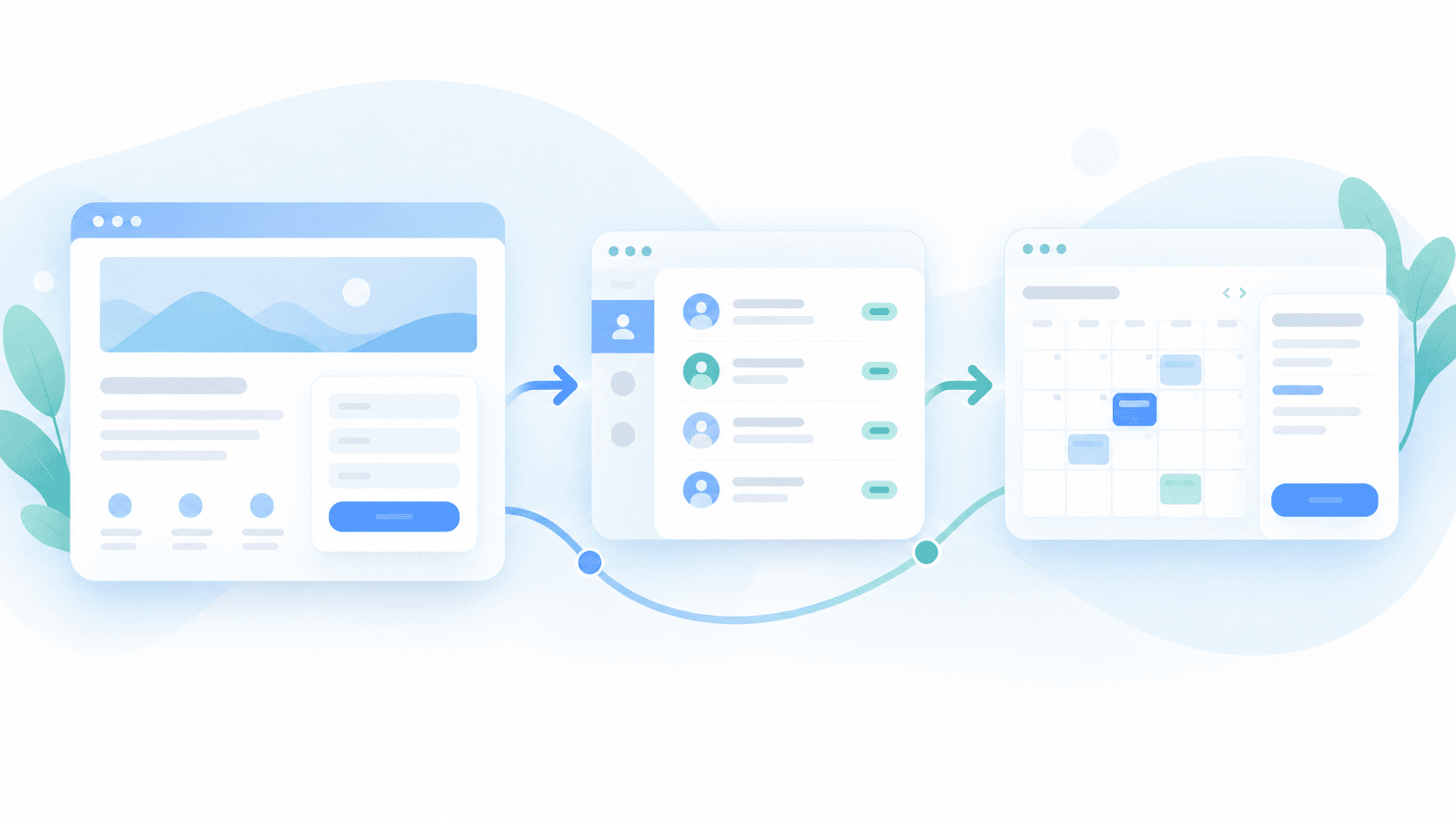
A customer fills out a form on your website. Someone on your team receives an email, copies the details into your CRM, then opens your booking software to schedule an appointment.
The customer entered their information once. Your team entered it two more times.
This is common in businesses that have added software over the years. The website works, the CRM works, and the booking software works. The problem is that they don't always work together.
Connecting your website to your CRM and booking system can remove much of that repeated work without replacing the tools your team already knows.
The key is deciding what information needs to move, where it belongs, and what should happen when something changes.
What does connecting your website to a CRM actually mean?
A customer relationship management system (CRM) keeps track of leads, contacts, customer interactions, and sales activity.
Your website is often where the initial information comes from. Someone requests a quote, books a consultation, asks a question, or completes an intake form.
A website-to-CRM integration passes that information into the CRM so your team doesn't have to enter it manually.
For example, when someone requests a consultation, an integration might:
- Check whether the customer already exists in the CRM.
- Create a new contact if needed.
- Record what the person requested and where the inquiry came from.
- Assign the request to the appropriate employee.
- Create a follow-up task or notify the team.
The request now has a place in your business workflow instead of sitting in someone's inbox.
This is one example of workflow automation and system integration. The goal isn't to replace employees. It's to stop making them do work that software can reliably handle.
How does booking software fit into the process?
Booking software adds another layer.
A CRM might know that someone is interested in a service, while the booking system knows which appointments are available, who is assigned, and whether a customer has confirmed or canceled.
Those are different responsibilities.
Consider a med spa offering online consultations.
A visitor submits an inquiry through the website. The CRM records the lead and the requested service. The customer then books an appointment through the booking system.
With the right integration, the appointment can be associated with the existing CRM contact.
Now the team can see that the inquiry resulted in a booking without checking two separate systems.
If the customer reschedules, the booking platform should remain responsible for the appointment's actual availability and status. The CRM can receive the relevant update.
That doesn't mean every system needs to store every piece of information.
In fact, trying to keep identical copies of everything in every platform often creates more problems than it solves.
A practical example: From website inquiry to confirmed appointment
Here's how a connected workflow might operate for a service business.
Step 1: A visitor submits a request
Someone visits the website and requests an appointment or estimate. The form captures their contact details, the service they're interested in, and any information the business actually needs.
Step 2: The CRM receives the lead
The integration checks for an existing contact and creates or updates the appropriate record. It also preserves useful information, such as the inquiry source.
Step 3: The customer schedules an appointment
Depending on the business, the visitor might select a time directly on the website, follow a booking link, or receive a scheduling invitation.
The booking software checks availability and creates the appointment.
Step 4: The systems share the relevant update
The CRM records that the lead has booked. Your team can identify which requests are still waiting for a response and which have moved forward.
Step 5: The customer receives confirmation
The booking platform or an approved communication system sends the confirmation. The workflow should be designed so the customer doesn't receive several copies of the same message.
Your staff can still step in when an appointment needs manual approval, additional information, or a special arrangement.
The result is a more organized handoff from the website to the people handling the customer.
Three ways to connect your website, CRM, and booking system
There isn't one integration method that works for every business.
1. Use the software's built-in integrations
Start by checking what your current platforms already support.
Some CRM and booking products have built-in connections, website form integrations, or embeddable booking tools.
These are often the simplest options because the software vendors maintain much of the connection.
However, a built-in integration might only create contacts or transfer basic information. It may not support every status change or custom field your business needs.
Best for: Businesses with straightforward requirements and compatible platforms.
2. Connect the systems with an automation platform
Tools such as Zapier, Make, or n8n can connect supported applications through workflows.
For example, a new website form submission might trigger an automation that searches for an existing contact, creates a lead if necessary, and notifies the appropriate employee.
These tools can be useful when native integrations don't cover the entire process.
They still require attention to failures, duplicate submissions, access permissions, and usage costs.
Best for: Businesses with repeatable workflows that fit the automation platform's supported connections.
3. Build a custom API integration
An API allows software systems to exchange information through defined interfaces.
If your CRM and booking software provide suitable APIs, a developer can build a connection around your specific requirements.
This becomes useful when a business has more complicated rules.
For example, you might need different lead-routing procedures for multiple locations, appointment types, or departments.
A custom integration can provide more control, but it also requires development, testing, maintenance, and ongoing monitoring.
Best for: Businesses with requirements that existing integrations cannot reliably handle.
Before investing in custom development, check whether the software supports the information and actions you need. Some systems restrict certain capabilities by subscription, permissions, or API availability.
What information should actually be shared?
One of the most important decisions is determining which system is responsible for each piece of information.
For many businesses, a sensible starting point looks like this:
- Website form submissions: Website
- Customer contact and lead history: CRM
- Appointment availability: Booking software
- Appointment confirmations and cancellations: Booking software
- Sales follow-up responsibility: CRM
This is an example, not a universal rule. Some booking platforms already include CRM features, and some CRMs manage scheduling directly.
What matters is establishing a clear source of truth.
If a customer changes their phone number, which system should update the others? If an appointment is canceled, which software decides its status?
Answering these questions early prevents inconsistent records later.
Problems to watch for before connecting anything
An integration can save work, but a poorly designed one can create a different kind of mess.
Duplicate customer records
One customer might submit a form twice or use different email addresses. The integration needs rules for identifying existing contacts without accidentally combining two different people.
Appointments that don't update correctly
A booking created successfully may later be rescheduled or canceled. If the CRM never receives that change, staff could continue working from outdated information.
Automations that fail silently
An expired connection or unexpected data field can interrupt a workflow. Important integrations should have error reporting, a way to retry failed actions, and someone responsible for resolving exceptions.
Sensitive information being shared unnecessarily
Not every customer detail belongs in every system. This is especially important for healthcare businesses and other organizations handling sensitive personal information.
For medical practices, information handling must be reviewed against applicable privacy and security requirements before connecting marketing, CRM, or booking platforms.
Messages being sent from multiple systems
Your CRM and booking software might both support reminders and confirmations. Decide which system sends each message so customers aren't overwhelmed or confused.
These problems are part of the hidden cost of using too many disconnected tools. Adding another application isn't always the answer. Sometimes the better solution is connecting the ones you already have.
Do you need a new website to make this work?
Usually, no.
If your existing website can collect the right information and connect securely with the necessary software, rebuilding it may accomplish very little.
You might only need to adjust a form, add an integration, improve the booking experience, or update how submissions are handled.
A larger rebuild makes sense when the website itself prevents customers from completing the process or cannot support the required functionality.
For a broader comparison, see website vs. web app vs. e-commerce platform.
The objective should be improving how your business operates, not introducing a bigger project than necessary.
What should you check before starting an integration project?
Before hiring a developer or paying for another software subscription, answer a few practical questions.
- Where do customer inquiries currently arrive? Website forms, calls, emails, social media, or multiple sources?
- Which information does your team enter more than once? Identify the exact fields and systems involved.
- What needs to happen after a customer submits a request? Booking, assignment, approval, follow-up, or something else?
- Which system should control each record? Decide who owns contact details, appointment status, and customer communication.
- What happens if the connection stops working? There should be a clear way to detect a failed transfer and recover the information.
Start with one workflow that creates a noticeable amount of unnecessary work.
For example, automate website lead capture first. Once that works reliably, connect appointment updates and follow-ups where they add value.
You don't have to automate the entire business at once.
The goal is less double entry, not more software
A connected website, CRM, and booking system should make daily work simpler.
A customer submits information once. The relevant team receives it. Appointments are tracked in the system responsible for scheduling. Follow-ups are organized rather than left to memory.
When an exception requires someone's judgment, the workflow gives them the information they need.
That's what a useful integration should accomplish.
At AliNQuality, we look at the systems a business already uses before recommending a connection or replacement. Sometimes the existing tools are enough. They just need to exchange the right information.
If your team is copying customer details between your website, CRM, and booking software, request a free workflow audit. We'll look at where the information gets stuck and what would actually be worth connecting.
Keep Reading
Related articles
AI Automation in Rockland County: Use Cases and Benefits for Local Businesses
Website vs. Web App vs. E-Commerce Platform: What Does Your Business Actually Need?
Phone, Fax, and Lost Orders: Why Rockland County's Manufacturers and Distributors Are Behind on B2B Ordering
Not Sure Which Service You Need?
Most projects don't fit a neat box. Talk it through with someone who's built real systems.
Already know what you need? Tell us what you're trying to build or fix. Talk Through Your Project